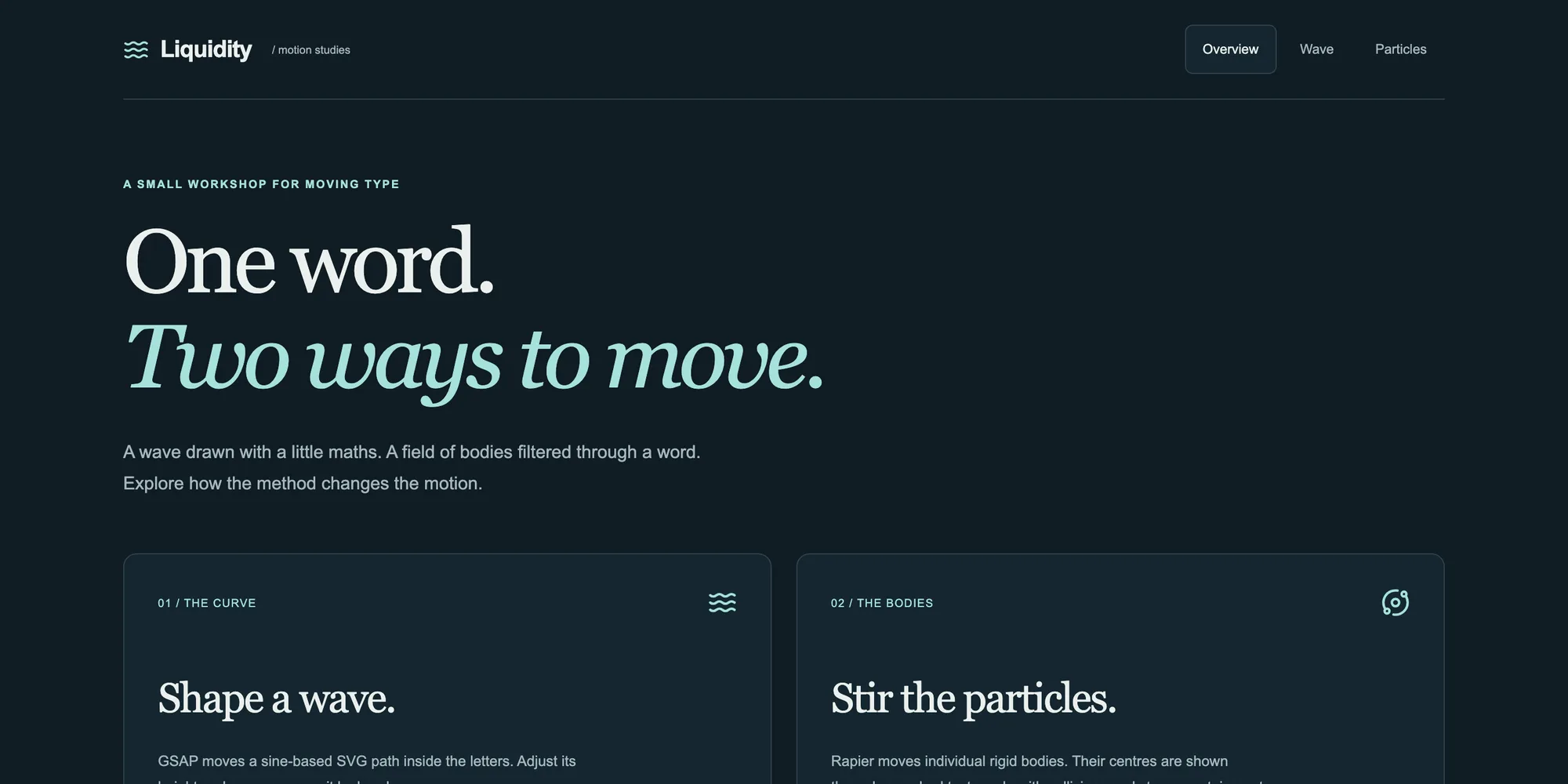
One word, two materials
Liquidity started as a question: what is the most convincing way to fill a word with water? I tried two answers that have almost nothing in common, and kept both side by side so the difference is the point.
The first is a drawing. A sine curve becomes an SVG path, GSAP animates it, and a text clip only lets you see the part of it inside the letters of LIQUID. The second is a simulation. Hundreds of small rigid bodies tumble around in a box under Rapier's physics, and the canvas only draws the ones whose centres fall inside the letters. One is a picture of water. The other is a pile of tiny marbles that happens to look like it.
You can try both at liquidity-ten.vercel.app.
Where it started
The first commit, in February 2025, was the wave, and it was much simpler than what is there now. It tweened between two hand-written quadratic paths, and swapped to two others on mouse over and mouse out:
attr: { d: "M0,50 Q50,40 100,50 T200,50 T300,50 V100 H0 Z" },Within the same day I replaced the fixed curves with a generated one: a loop that samples a sine at regular steps along the width and joins the points with straight lines. That is the shape it still has.
The particles started in Matter.js. A thousand circles with a radius of 0.8, gravity turned up to 2.5, drawn by Matter's own renderer, and a mouse handler that pushed nearby circles away. In July I moved to Rapier, the Rust physics engine compiled to WebAssembly, and spent a day tuning. The commits read like a lab notebook: gravity from 9.8 to 1,500 to 2,500, linear damping from 2 to 8, particles from 1,000 to 1,200 to 2,500, the walls closing in around the word. The last of those commits added the thing that made the study work, the cached text mask, and the strong containment forces that are still in the code.
Drawing the wave
The waterline is a function of a phase and a height:
export function wavePath(phase:number,amplitude=12) {
  const safePhase=Number.isFinite(phase)?phase:200;
  const safeAmplitude=Math.max(0,Math.min(28,Number.isFinite(amplitude)?amplitude:12));
  let path='M0,70';
  for(let x=0;x<=400;x+=20)path+=` L${x},${(70+safeAmplitude*Math.sin((x-safePhase)*0.02+Math.PI/2)).toFixed(3)}`;
  return path+' V120 H0 Z';
}
It samples 21 points across a 400-unit viewBox, around a resting line at 70, and closes the shape down to the bottom edge so it fills. The frequency of 0.02 radians per unit gives a wavelength of 2π / 0.02, about 314 units, so a little over one full wave fits across the word. The height slider runs from 0 to 28 and the function clamps to the same range, so nothing outside can push it off the stage.
The path is then drawn twice over: once as the water, inside a group clipped by an SVG <text> element, and once as a faint outline of the letters on top, so you can read the word even where the water is low.
Why the idle wave sloshes
This is my favourite bit of maths in the project, and I only understood it after the fact. When the wave is idle, a GSAP timeline moves the path to the shape at phase 50, then to the shape at phase 350, and yoyos back and forth:
idle.to(path,{duration:1.5,ease:'sine.inOut',attr:{d:wavePath(50,amplitude)}}).to(path,{duration:1.5,ease:'sine.inOut',attr:{d:wavePath(350,amplitude)}});idle.timeScale(speed);You might expect that to slide a wave sideways. It does not. GSAP tweens a path string by pairing up its numbers in order, so each of the 21 points only moves up or down, from its height in one shape to its height in the next. In between, the curve is a blend of two sines, not a shifted one. A blend of two equal sines whose phases differ by Δ is another sine, with its height scaled by |cos(Δ/2)| at the halfway point.
Phase 50 and phase 350 are 300 units apart, which is 6 radians, only 0.28 radians short of a whole wavelength. Those two shapes are almost identical, about 14 units apart, so that part of the cycle is a gentle sway. The wave starts at phase 200, though, and the step from 200 to 50 is 3 radians, nearly half a wavelength: the second shape is close to the first turned upside down. Halfway between them the height drops to cos(1.5), about 7% of what it was. The water flattens almost completely and then rises again with its crests where the troughs were. That is a standing wave, which is exactly what water does when it sloshes in a container. I did not design that; the interpolation did.
Owning the animation
The earlier wave page started its idle timeline in an effect with no cleanup, and every pointer move started a new tween plus a setTimeout to restart the idle animation 250ms later. Move the pointer quickly and you queued up a pile of timers, each one about to kill and recreate the timeline.
The live version puts all of that in a small controller with exactly three pieces of state it owns: one idle timeline, one interaction tween and one resume timer.
const clear=()=>{if(timer!==null)clearTimeout(timer);timer=null;idle?.kill();idle=null;tween?.kill();tween=null;};Every action starts by clearing. A pointer move clears, tweens to the new phase over 0.25 seconds, and sets a single timer to resume idling 300ms later; the next move clears that timer again. Pausing clears and draws nothing more. While paused, a manual shift writes the path directly with setAttribute, so Enter, Space and the arrow keys still move the wave without starting any animation. Disposing sets a flag that makes every later call do nothing, so a stray event after the page has gone cannot bring a timeline back.
The controller takes GSAP as a parameter instead of importing it, which let the tests pass in a fake. They check that three quick pointer moves leave exactly one pending timer, that pausing leaves none, and that a study which starts paused for reduced motion never creates a timeline at all.
Filling the word with bodies
The particle study builds a small world, 300 by 100 units, with gravity of 2,500 pointing down, and four static colliders forming a box roughly the size of the word. Each particle is a ball of radius 1.2 with almost no bounce, a little friction and heavy linear damping of 8, which makes the pile settle quickly instead of fizzing.
None of that knows anything about letters. The letters come from a mask, drawn once when the engine loads:
maskCtx.fillStyle='white';maskCtx.font='700 64px Arial';maskCtx.textAlign='center';maskCtx.fillText('LIQUID',150,70);pixels=maskCtx.getImageData(0,0,300,100).data;Every frame, each particle's centre is rounded to a pixel and looked up in that cached array. If the alpha there is above 128 it gets drawn; otherwise it is simulated but invisible. All the visible particles go into one path and are filled in a single call. Reading getImageData once and keeping the array means each lookup is just an index into a typed array.
The letter outlines drawn on top are a guide for the eye, not walls. The bodies collide with the box and with each other, never with the shape of a letter.
Holding the pile together
A box alone was not enough to keep a pile of bodies in the middle of the word, so each step adds containment. Anything more than 50 units from the centre gets an impulse back towards it, and anything beyond 70 gets an extra push. Anything that escapes a slightly smaller box, or reaches a position that is not a finite number, is put back in the spawn area with no velocity at all.
Pointer interaction is an impulse that falls off with distance. Moving over the word uses an inverse square, capped at 300, within 40 units. Pressing uses a gentler inverse and a 50-unit radius, with the vertical part scaled to 30%. Two fixes from the rewrite live here. The old click handler worked out its vertical push from the horizontal distance, a copy slip that is easy to miss in a splash; it uses the vertical one now. And the pointer is mapped from screen pixels into the 300 by 100 scene, so the effect lands under your finger whatever size the canvas is drawn at.
One honest note: the splash's falloff never takes effect. Its strength is Math.min(25000/distance, 500), and 25,000 divided by anything up to 50 is at least 500, so inside the radius every particle gets the same capped push. It has been that way since the first Rapier version, and the splash still reads well, but the curve in the code is decoration.
A fixed step
The physics advances in fixed steps of 1/60 of a second, whatever the display does:
if(last!==null)accumulator+=Math.min(Math.max(0,(time-last)/1000),1/15);
last=time;
let steps=0;while(accumulator>=1/60&&steps<4){advance();accumulator-=1/60;steps++;}
Each frame adds the real time since the last one to an accumulator, capped at 1/15 of a second, and runs as many whole steps as fit, at most four. A slow frame catches up a little; a long stall does not turn into a burst of hundreds of steps that would send the bodies flying. The tests check exactly that: a jump of a full second produces four steps.
The engine's lifecycle
Rapier arrives as WebAssembly and has to be loaded and initialised before anything else, and that is asynchronous. The old page started it inside an effect with no cleanup: the animation loop, the event listeners and the world itself lived for as long as the tab did, even after you navigated away.
The live version keeps one shared promise for the engine, and forgets it if loading fails, so trying again really does try again:
if(!enginePromise)enginePromise=import('@dimforge/rapier2d-compat').then(async module=>{await module.default.init();return module.default;}).catch(error=>{enginePromise=undefined;throw error;});The scene checks whether it has been disposed straight after the engine resolves, so a page that was closed while WebAssembly was still loading never allocates a world. Disposal is safe to call twice, cancels the frame, disconnects the resize observer, removes every listener and frees the world exactly once. Changing the particle count disposes the old scene and mounts a new one. If the engine cannot start, the page says so and offers a button that remounts it.
Both studies start paused when you prefer reduced motion, and both rest while the tab is hidden. In the particle study, a centre pulse while paused advances exactly one physics step, so the keyboard can still see something happen.
Following the colour scheme
The site follows the system light or dark setting, and the wave needed almost nothing for it: its fills are CSS classes reading tokens like --wave-water, so the browser repaints them. The canvas is different. It paints with whatever fillStyle it is given, so the scene reads the same tokens from CSS:
return {stage:token('--stage-deep',DARK_PALETTE.stage),outline:token('--canvas-outline',DARK_PALETTE.outline),particle:token('--particle',DARK_PALETTE.particle)};It listens to prefers-color-scheme and, on a change, reads the palette again and redraws once. That redraw matters most when the scene is paused: nothing else would repaint it, and you would be left with a dark canvas on a light page.
Copying the wave
"Copy current SVG" puts the shape on screen onto the clipboard as an SVG you can paste into a design tool. The colours were the catch. On the page they come from CSS classes, and a copied SVG travels without the stylesheet, so a straight serialisation would paste in the default colours, whatever scheme you were looking at. The export clones the element, then copies each element's computed fill and stroke onto the clone:
for(const property of PAINTED){const value=style?.getPropertyValue(property).trim();if(value&&/^(#|rgb)/.test(value)&&target[index].hasAttribute(property))target[index].setAttribute(property,value);}It also adds the SVG namespace, a fixed size and a font family, keeps the text as editable text, and holds the curve as it was at that moment. If the clipboard refuses, the source appears in a text box, selected on focus, to copy by hand.
What it taught me
The two studies taught me opposite things. The wave showed me that an interpolation has its own physics: GSAP did not slide my sine, it blended it, and the blend sloshes. The particles showed me how much of a simulation's look is boundary work rather than physics: the mask, the containment and the respawn do as much as Rapier does. And both taught me that a moving thing on a web page needs an owner, something that can pause it, stop it and clean up after it.